 Draw Anything
Draw anything.
Right here, right now.
A full canvas drawing app that opens instantly in your browser — brushes, crayons, markers and colour, with nothing to install. Love it? The complete art creation app is free on iPhone, iPad and Android.

Free online drawing canvas
How Draw Anything works
Four steps from a blank canvas to something you want to share. The same flow works in the browser studio above and in the app.
Pick your paper
Start with a white sheet, go full black for neon linework, or choose a coloured background. Setting the background first saves you filling it in later — and it changes the whole mood of the piece.
Choose a tool and a size
Pencil for light construction lines, brush for confident outlines, crayon for texture, marker for flat fills. Drag the size slider up for bold shapes and down for detail. Every tool takes any colour.
Block in, then commit
Sketch loose shapes at low pressure, then draw over them properly. Undo is unlimited, so there is no cost to trying a line twice. This is the single habit that most improves beginner drawings.
Save and share it
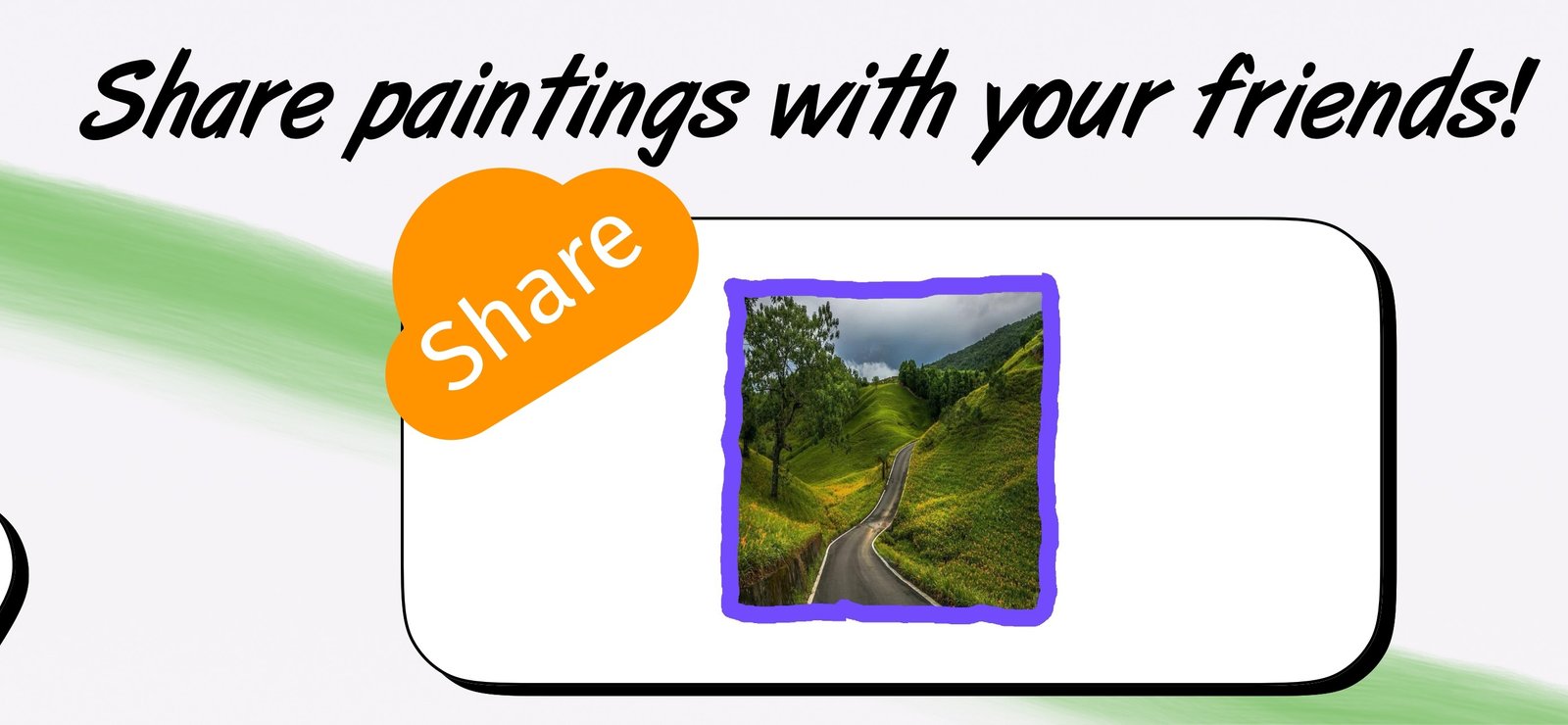
Export a high-resolution PNG straight to your camera roll, Messages or social media. In the browser studio, hit Save PNG and the file lands in your downloads folder.
Take the canvas with you
The browser studio is a taste. The app is the full art creation studio — a massive brush library, photo import, the Rainbow Pencil, Gravity Lines and high-resolution export, on every device you own.
What you get
- Price Free to download, with an optional PRO subscription
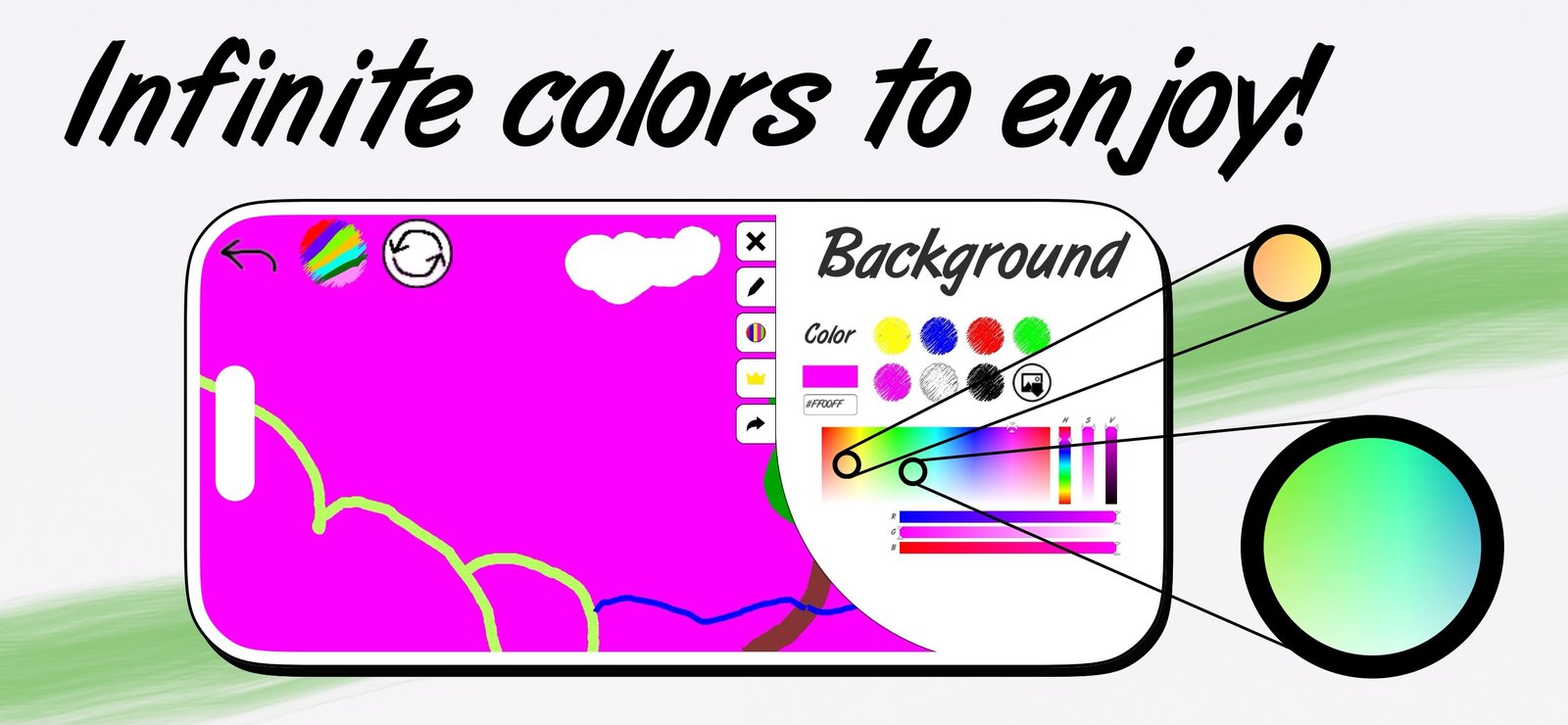
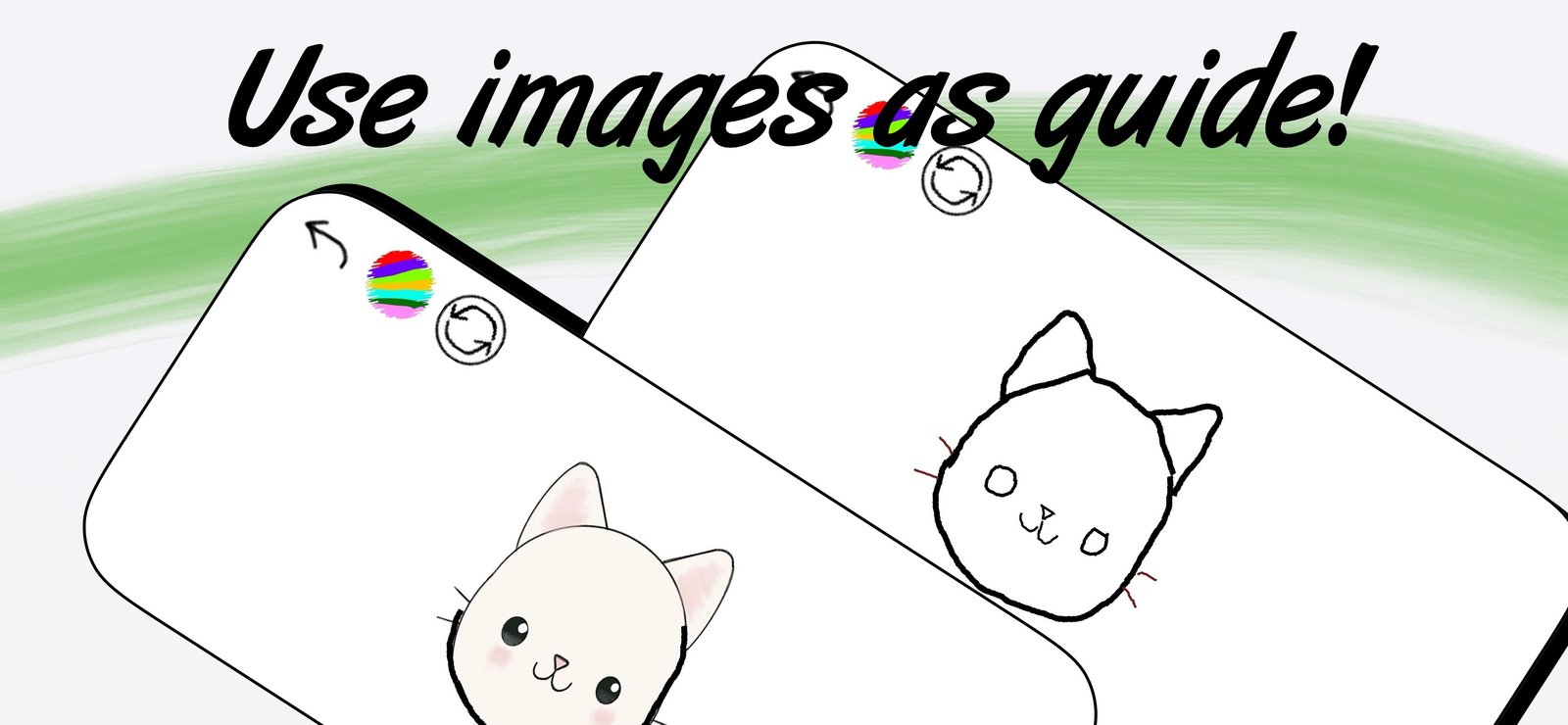
- PRO unlocks Rainbow Pencil, Import Images, Infinite Colour, Gravity Lines
- Platforms iPhone, iPad, iPod touch and Android
- Requires iOS 15.0 or later
- Size 105 MB
- Age rating 4+
- Languages English, Spanish, French, German, Italian, Portuguese, Hebrew, Indonesian
- Category Graphics & Design
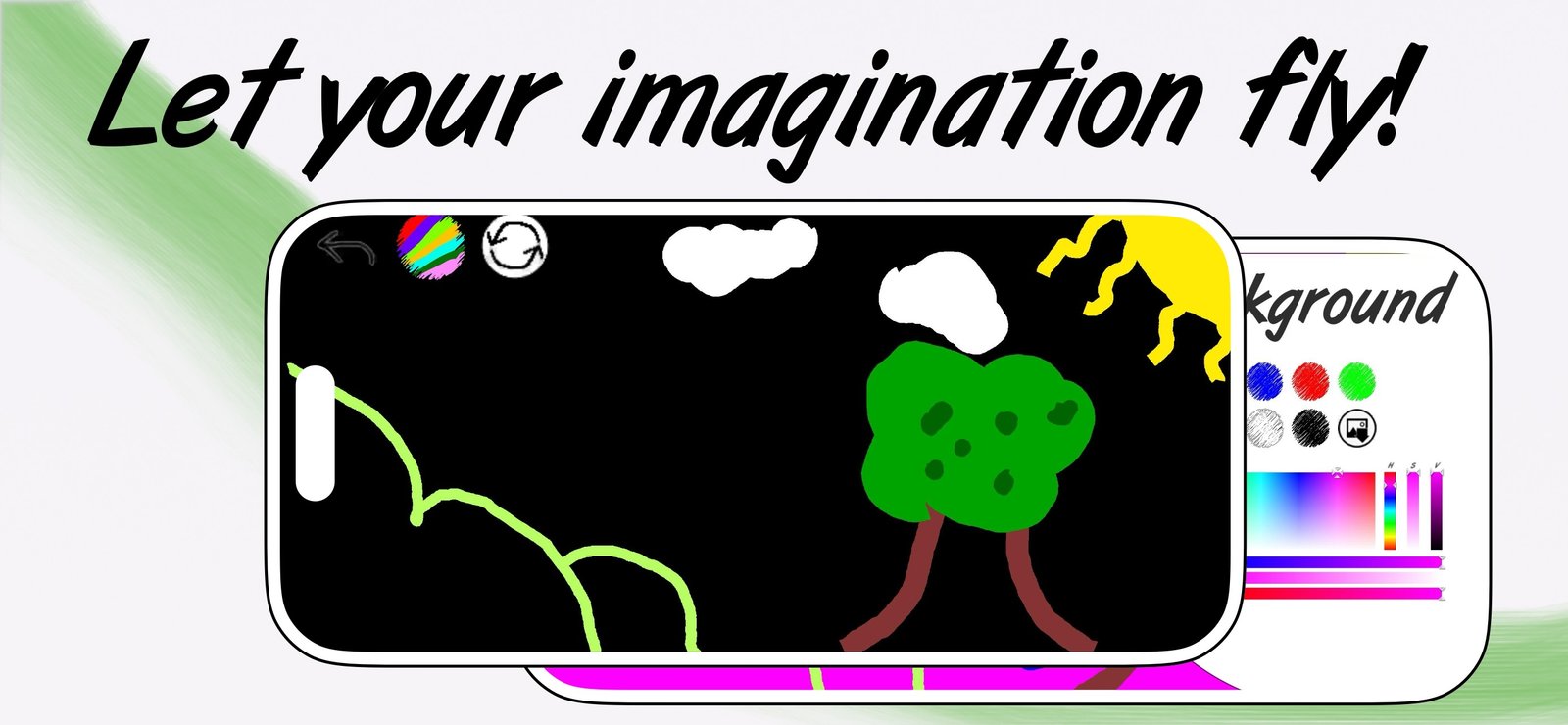
See the app in action
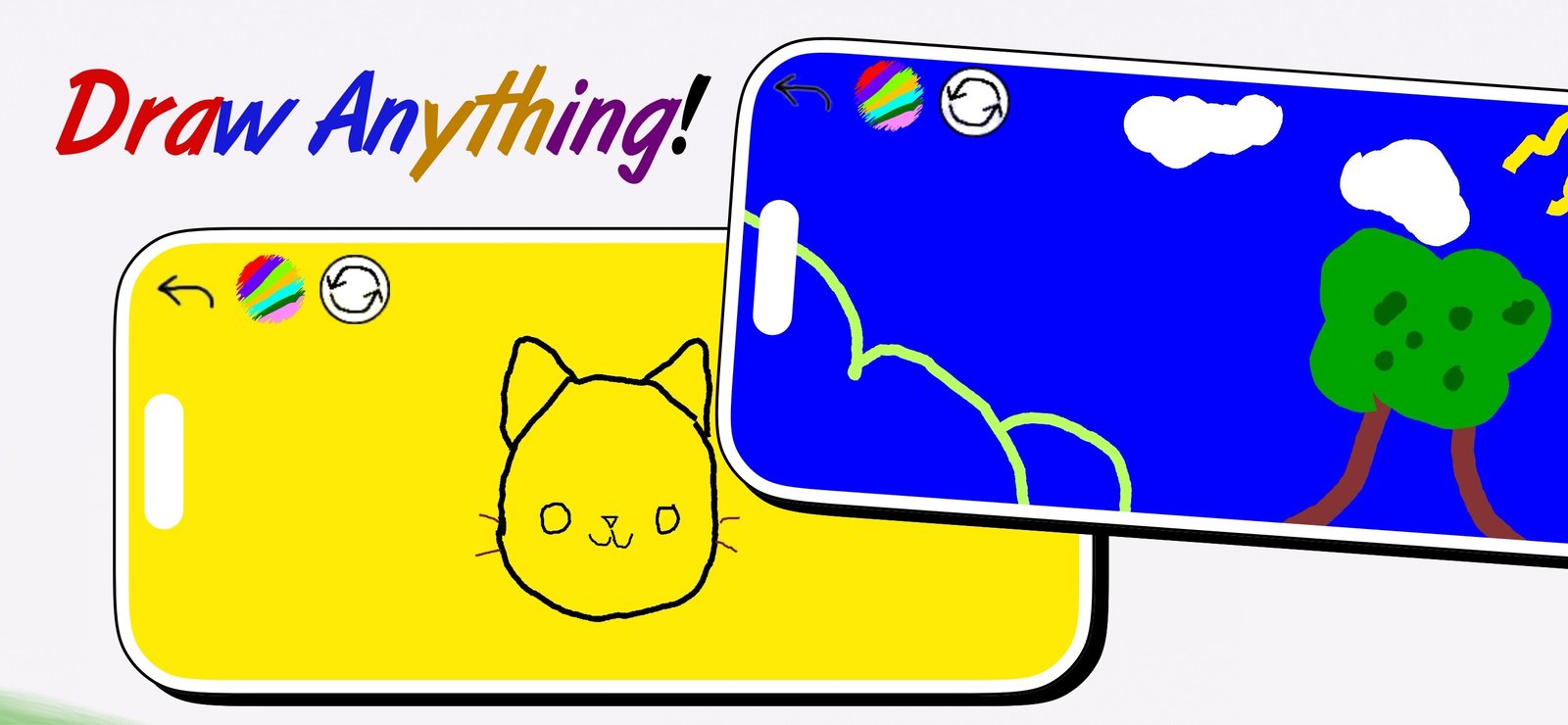
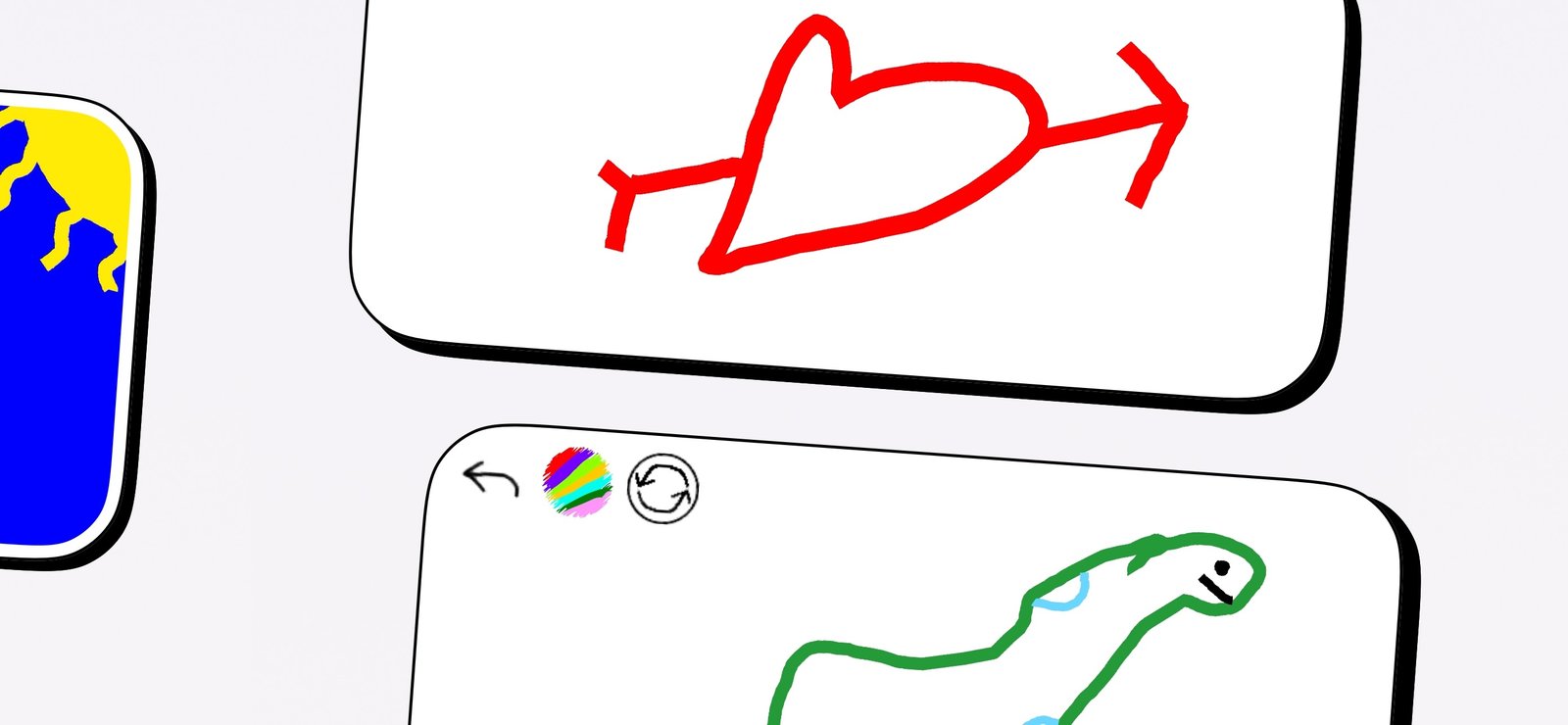
Real screens from Draw Anything — the same canvas, tools and colour engine on iPhone, iPad and Android.
Drawing guides
Practical walkthroughs for the things people actually search for — what the tools do, how to set up a canvas, and how to get from a blank screen to a finished piece.
How to draw anything, step by step
The shape-first method that works for a cat, a car or a cathedral — and how to run it on a phone canvas without wasting a single line.
Read the guide ToolsEvery drawing tool explained
Pencil, brush, crayon, marker, eraser, Rainbow Pencil and Gravity Lines — what each one is genuinely good for, and when to reach for it.
Read the guide SetupSetting up the perfect canvas
Background colour, brush size and orientation decide how a drawing feels before you make a mark. Here is how to choose them deliberately.
Read the guide PaintingHow to paint digitally on your phone
Blocking colour, layering marker over crayon, and building depth with a flat palette — painting technique adapted for a touchscreen.
Read the guide WorkflowMaking real art on a phone
From reference photo to finished, shareable piece — the complete workflow, including tracing, colour choices and exporting at full resolution.
Read the guide IndexAll guides
Every Draw Anything walkthrough in one place, from first stroke to finished artwork.
Browse allFrequently asked questions
Straight answers about the app, the free browser studio and what PRO actually adds.
Is Draw Anything free?
Yes. Draw Anything is free to download on iPhone, iPad and Android, and the core experience — the canvas, the brushes, the colour palette, background colours and export — works without paying anything. An optional PRO subscription unlocks Rainbow Pencil, Import Images, Infinite Colour and Gravity Lines. The browser studio on this page is free with no account at all.
See exactly what free includesCan I use a drawing app online without downloading anything?
Yes — that is exactly what the studio at the top of this page is. It is a complete canvas drawing app that runs in your browser with no download, no signup and no account. You get pencil, brush, crayon, marker and eraser tools, fourteen colours, five paper backgrounds, an adjustable brush size, unlimited undo and PNG export. Your drawing saves automatically in your browser, so closing the tab does not lose your work.
Open the free online canvasWhat drawing tools does Draw Anything include?
The pencil gives fine, slightly translucent linework for sketching. The brush produces smooth strokes that thin out as you move faster, like a real loaded brush. The crayon lays down waxy texture. The marker fills bold flat areas. The eraser removes strokes without touching your background. PRO adds the Rainbow Pencil, which cycles through the full spectrum as you draw, and Gravity Lines, a physics tool that makes your strokes fall away after you draw them.
Learn more about every toolDoes Draw Anything work with Apple Pencil on iPad?
Yes. Draw Anything runs on iPad and supports Apple Pencil as well as finger drawing, on any iPad running iOS 15.0 or later. The canvas fills the whole screen and the controls collapse out of the way, which is what makes an iPad genuinely usable as a portable art studio rather than a novelty.
Learn more about canvas setupHow do I decide what to draw when I have no ideas?
Stop trying to picture the finished drawing. Almost any subject — a cat, a car, a tree, a face — breaks down into circles, rectangles and triangles. Block those in with a light pencil, check the proportions, then commit to the outline with the brush and fill with colour. If you are truly stuck, import a reference photo and sketch over it; that removes the decision entirely and teaches you proportion at the same time.
Learn more with the step-by-step guideCan I import a photo and trace over it?
Yes, with Draw Anything PRO. Import Images brings any photo from your gallery onto the canvas so you can use it as a reference layer, a background, or a base to blend into your artwork. Tracing has a bad reputation it does not deserve — for a beginner it is the fastest way to build an instinct for proportion before drawing freehand.
Learn more about the reference workflowHow do I save and share my artwork?
In the app, tap the share icon to export your painting in high resolution and send it straight to Messages, social media or your photo library. In the free browser studio on this page, press Save PNG and the image downloads to your device at the full resolution of your screen, background colour included.
Learn more about finishing and exportingIs Draw Anything suitable for kids?
Yes. It is rated 4+ and the interface is deliberately simple — pick a colour, pick a tool, draw. There are no menus to get lost in. The crayon tool is built for playful, textured colouring, and unlimited undo means a drawing can never be ruined. It is available in English, Spanish, French, German, Italian, Portuguese, Hebrew and Indonesian.
Learn more about drawing with kidsYour canvas is already open.
Draw something free in your browser right now — then put the full studio in your pocket.